 useCalibre
Calibre on your Kobo, no NAS
KOReader, PocketBook, Moon+ Reader and other OPDS apps browse your whole library and download books straight to the device. No computer left running at home. How to set it up.
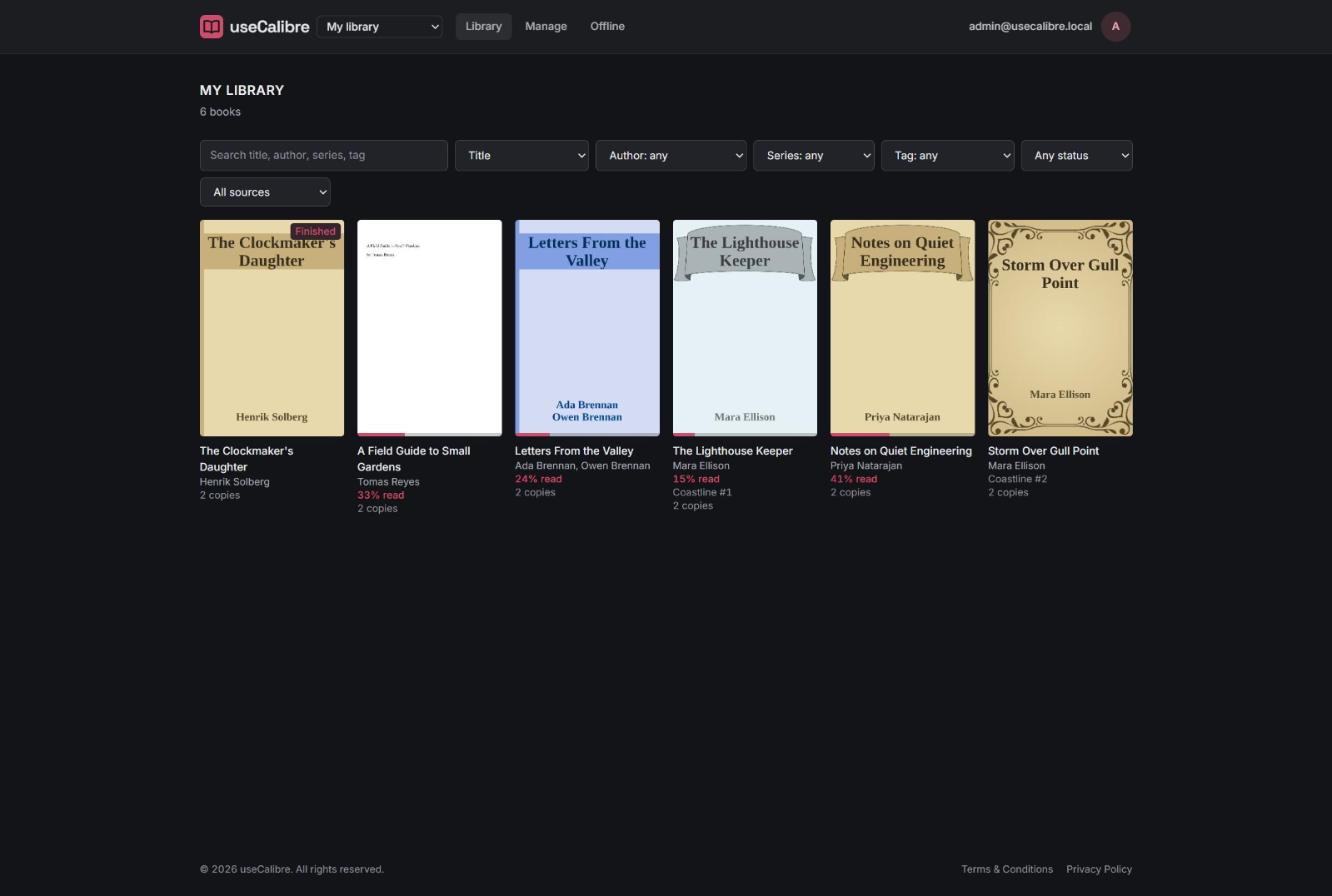
useCalibre reads the Calibre library you already keep in your own cloud storage and lets you browse, search, read and download every book from anywhere, with your PC switched off. No server to run, nothing to install, and your books never leave your storage.
Works with Amazon S3, Cloudflare R2 and any S3-compatible storage. Calibre desktop stays your editor.
KOReader, PocketBook, Moon+ Reader and other OPDS apps browse your whole library and download books straight to the device. No computer left running at home. How to set it up.
The Calibre content server only works while your computer is on. useCalibre keeps your catalog online, so search, covers and reading work from any browser, any time. Read more.
Keeping a Calibre library in Dropbox or Google Drive is the classic way to corrupt metadata.db. Keep it on your PC, copy it
one way to a bucket, and read it everywhere. The safe setup.
Three steps, about ten minutes, and nothing to install on your computer except the copy tool you may already use.
Copy your Calibre library folder to Amazon S3, Cloudflare R2 or any S3-compatible storage, for example with rclone sync after closing Calibre.
Give useCalibre the bucket, the folder and a key that can only read. It imports metadata.db and checks for damage first.
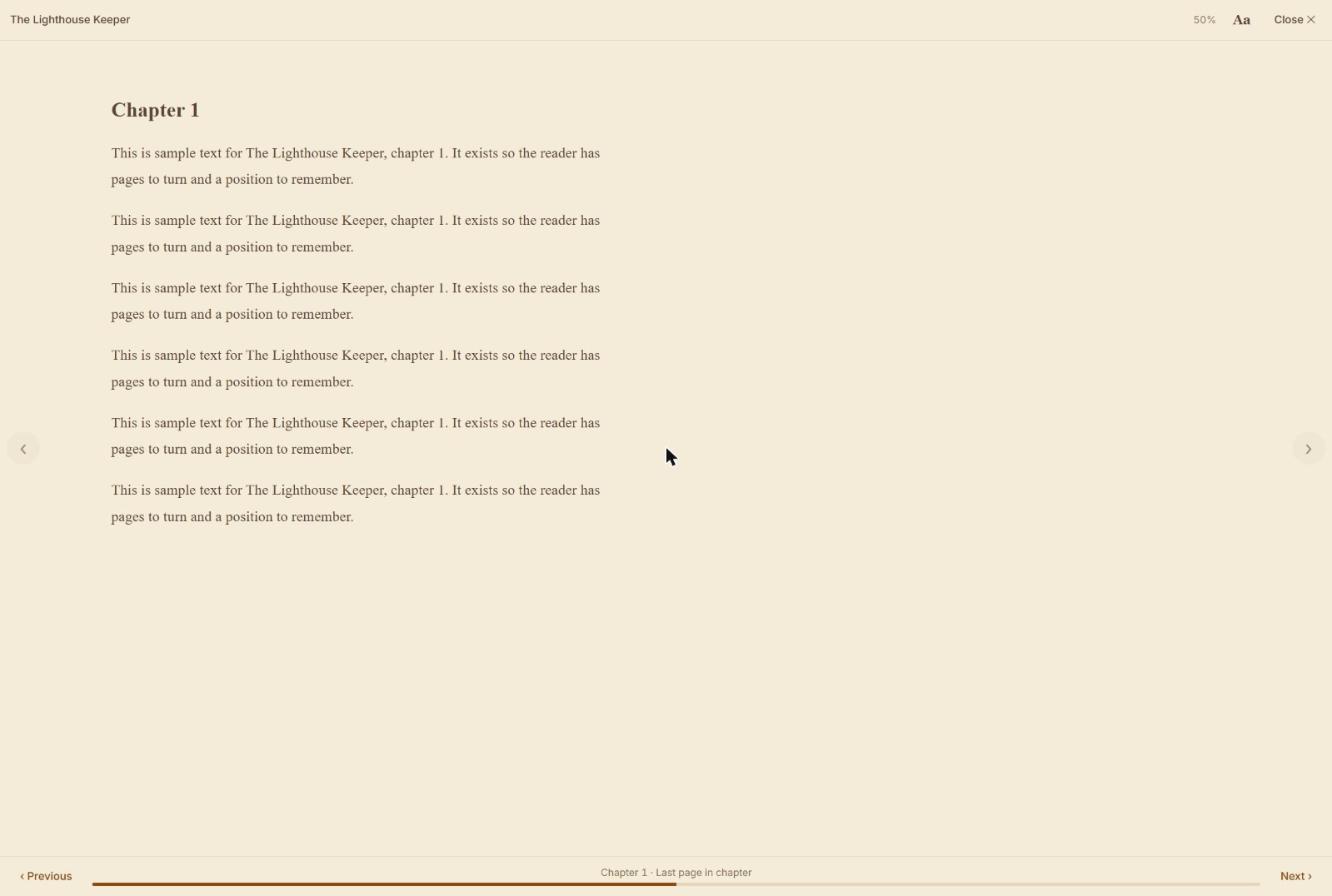
Browse and read in any browser, download to your Kobo or phone over OPDS, keep books offline. Changes in Calibre appear within minutes.
We keep a catalog and small cover pictures. The books themselves stay in your bucket, and downloads go straight from it to you.
useCalibre never writes to a library Calibre manages. If you choose to let it manage one, it backs up first and keeps deleted books for 30 days.
Every book keeps Calibre’s own metadata.opf, so Calibre’s Restore database can rebuild the library at any time.
No ads, no tracking cookies, and we don’t sell data. Storage keys are encrypted. Privacy policy.
Connect more than one Calibre library. A book in two of them shows once, with each copy on its page.
Add people as viewers or editors. Everyone keeps their own reading progress.
Optional: upload straight from the browser to your own bucket, edit details and covers, in Calibre’s own folder layout.
You host your own books, so useCalibre costs little to run, and it is free to use, with fair limits. If it makes your reading life better, you can chip in to keep it going.